← Year 6 computing worksheets

Year 6 Web page creation worksheet

“Websites and web pages” is free to print, with no account. It is the first sheet in the Year 6 computing unit “Web page creation”, for children aged 10 to 11, and takes about 20 minutes.

Print it on A4. The child's pages come first; the answers, and what each wrong answer tells you, are on the grown-up page that follows. Weeks 7 to 12 of the year, 6 sheets in the unit.

Free sample · answers on the last page

Websites and web pages

Name: ____________ · Date: ____________
Year 6 · Computing · about 20 minutes
Answers are on the grown-up page

Today I can tell a website from a web page and name features that make a site good.

A Look back3 min

  1. 1.

    The robot must reach the star. How many arrows does it need?

  2. 2.

    A rock is in the way. What is the fewest arrows the robot needs to reach the star?

  3. 3.

    The robot starts at the bottom left and must reach the top right. How many arrows does it need?

B Watch me, then you4 min

Ola is making a website about her school. It has a news page, a clubs page and a contact page. Is the whole thing a website or a web page?
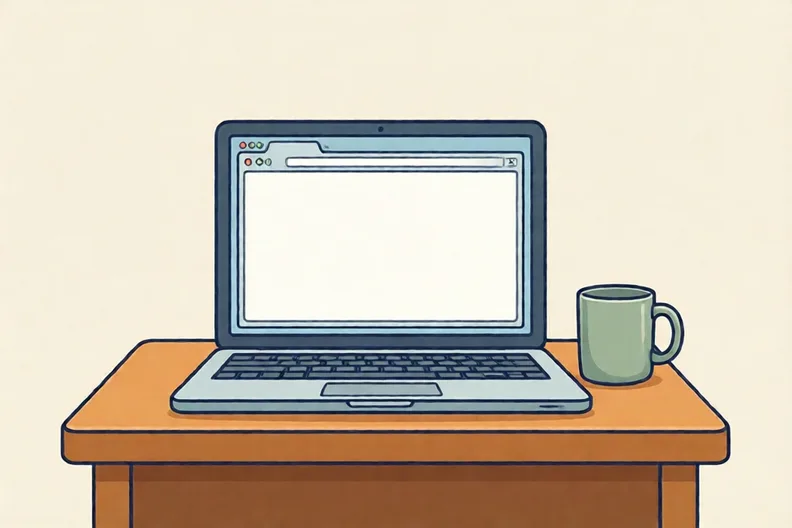
A laptop open on a wooden desk beside a mug, screen turned away from the viewer
Watch me
WebsiteWeb pageWeb pageWeb page

The whole thing is the website.

Each page inside it is a web page.

So the news page is one web page inside the website.

Now you
  1. 1.

    Look at Ola's pages. Which word fits the first box?

    Web pageWeb page
    websiteweb page
  2. 2.

    Ola adds a part about the school bus. Which word fits the last box?

    WebsiteWeb page
    websiteweb page

C Your turn8 min

Circle the best answer, or sort the cards into the two columns.

Home pageMenuWeb page
  1. 1.

    Which menu helps a visitor find a page quickly?

    Labelled buttons: Home, Birds, QuizTiny grey dots with no wordsNo menu at all, only one long page
  2. 2.

    A website is about owls. Which kind of media suits it best?

    Photos of owls with short video clipsA list of owl names with no picturesA picture of a bicycle
  3. 3.

    What is a web browser? Circle the right description.

    A program that fetches and shows web pagesA sheet of numbers in rows and columnsA folder for storing photos
  4. 4.

    Write each feature in the column where it belongs.

    Clear headingsSearch barText with no breaksBroken linksLabelled menu
    Helps a visitorMakes it hard to use

Say it out loud: What do the good choices have in common? What makes a visitor's job easier?

D Spot the mistake3 min
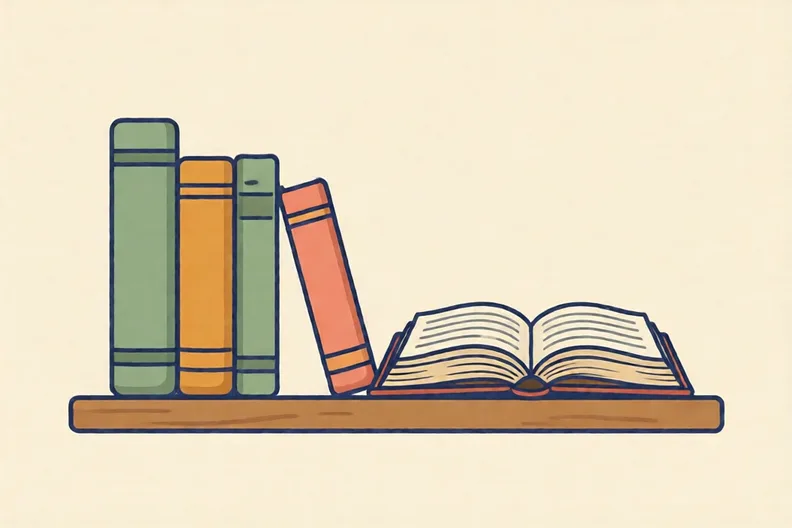
A row of books on a shelf with one book open, showing its pages
Kit says: “My school website has a home page, a news page and a clubs page, so the whole website is one web page.”
  1. 1.

    Is Kit right? Say why in one sentence.

E Think deeper4 min

A laptop beside a stack of folded papers, screen showing a plain browser window
  1. 1.

    With a grown-up, open a website your family uses. Find two web pages you can reach from its home page. Is the whole thing a website or a web page? Explain in two sentences.

How did it feel?

I can do it Nearly Not yet
StudyDen · Year 6 · Computing · Web page creationAnswers are on the grown-up page

For the grown-up

Websites and web pages · 2 minutes to read

Answers, and what a wrong one tells you

A

1. 3 your child may have counted every square, including the start square, which gives 4. Ask how many moves it takes to get from the start to the star.

2. 4 your child sent the robot straight through the rock in 2 moves. A robot cannot step onto a rock, so it must go round it: down, right, right, up.

3. 4

B

1. website

2. web page

C

1. Labelled buttons: Home, Birds, Quiz

2. Photos of owls with short video clips

3. A program that fetches and shows web pages

4. Helps a visitor: Clear headings, Search bar, Labelled menu · Makes it hard to use: Text with no breaks, Broken links your child may have put broken links under helps. Ask: does this link open the right page, or does it lead nowhere?

D

1. Look for: says Kit is wrong, and that a website is many linked web pages while a web page is one document inside it your child may have agreed with Kit, which means the website and web page are treated as the same. Point to a book on the shelf: the whole book is like the website, and one of its pages is like a web page.

E

1. Look for: says the whole collection is the website and each page reached is a web page, with a reason

Words to use

Say“Show me the whole site first, then one page inside it. What is the difference?”
Instead of“Say that a website is just a page with an address, which mixes the two up.”

After the sheet

Take a book from the bookshelf. Ask which part is the whole book and which part is one page. Then ask which is like the website and which is like a web page.

Tick what your child got right in StudyDen. Anything missed comes back in a later Look back box, so there's no need to redo the sheet.

The rest of this unit

5 more sheets come with a StudyDen plan, in teaching order:

  1. Designing for an audience(with a plan)
  2. Who owns that picture?(with a plan)
  3. Making Pages Fit Every Screen(with a plan)
  4. Follow the breadcrumbs(with a plan)
  5. Think before you link(with a plan)

Every Year 6 computing worksheet

The worksheets plan opens a printable sheet for every lesson in Years 1 to 6, each with its answers on a separate page for you. It costs £6.99 a month or £59 a year for the whole family, with no free trial.

The full StudyDen plan adds the lessons themselves, marked as your child works, with the worksheets included. It is 7 days free, then £29.99 a month.

Both start with a free account; you choose the plan when you sign up.