← Year 5 computing worksheets

Year 5 Exploring selection in physical computing worksheet

“Connecting the Sparkle” is free to print, with no account. It is the first sheet in the Year 5 computing unit “Exploring selection in physical computing”, for children aged 9 to 10, and takes about 20 minutes.

Print it on A4. The child's pages come first; the answers, and what each wrong answer tells you, are on the grown-up page that follows. Weeks 13 to 18 of the year, 6 sheets in the unit.

Free sample · answers on the last page

Connecting the Sparkle

Name: ____________ · Date: ____________
Year 5 · Computing · about 20 minutes
Answers are on the grown-up page

Today I can connect a Sparkle to a Crumble using the right pads.

A Look back3 min

  1. 1.

    The robot starts at the top left and must reach the goal square. Circle the route that works.

    → → ↓→ ↓ →↓ → →
  2. 2.

    Which word means finding and fixing a mistake in a program? Circle one.

    Run the programSpot the bugFix the bugRun it again
    debugdecomposesequencerepeat
  3. 3.

    How many single-square moves take the robot from the start square to the goal square? Circle one.

    1234

B Watch me, then you4 min

Ola wants the Sparkle to shine blue for one second, then go out. Here is her code, one block at a time.
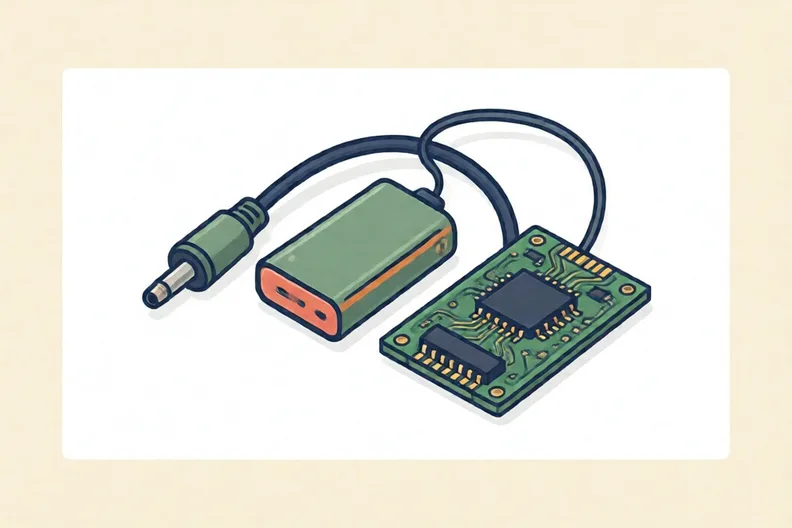
A cable, a battery pack and a green circuit board on a plain background.
Watch me
Program StartSet Sparkle blueWait 1 secondSet Sparkle off

Every program begins with Program Start.

Set Sparkle blue, then wait 1 second.

Set Sparkle off to finish the flash.

Now you
  1. 1.

    This code is missing its first block. Circle the block that goes at the start.

    Set Sparkle redWait 1 secondSet Sparkle green
    Program StartSet Sparkle blueWait 1 second
  2. 2.

    Ola checks her wires first, then plugs in the USB cable. Number all the steps in the order she does them.

    1. Unplug the USB cable and watch the Sparkle
    2. Press play to send the program
    3. Check each wire against the diagram
    4. Build the code, starting with Program Start
    5. Connect the USB cable to the computer

C Your turn6 min

In each row, one wire is described. The other wires join matching pads, and the program turns the Sparkle on. Circle whether it will light.
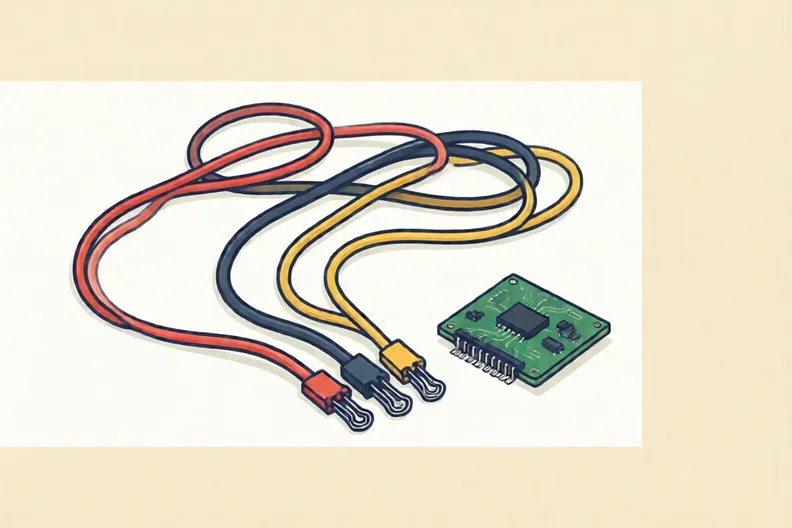
Three coloured wires with metal clips beside a small green circuit board
  1. 1.

    The red wire joins the Sparkle's + wire to the Crumble's + pad. Will the Sparkle light? Circle one.

    It will lightIt will not light
  2. 2.

    The black wire joins the Sparkle's − wire to the Crumble's − pad. Will the Sparkle light? Circle one.

    It will lightIt will not light
  3. 3.

    The black wire joins the Sparkle's − wire to the Crumble's + pad. Will the Sparkle light? Circle one.

    It will lightIt will not light
  4. 4.

    The yellow wire joins the Sparkle's D wire to the Crumble's D pad. Will the Sparkle light? Circle one.

    It will lightIt will not light

Say it out loud: Which pad matters in every row? Does the colour of the wire ever change the answer?

D Spot the mistake3 min
A green circuit board with metal pads and a small round LED light beside it
Mia says: “I can join the Sparkle’s + wire to the Crumble’s D pad, and it will still light.”
  1. 1.

    Will the Sparkle light with Mia’s wire? Circle one.

    It will lightIt will not light

E Think deeper3 min
A small round multicolour LED light glowing softly beside a battery pack
  1. 1.

    Ali joins the Sparkle’s + to the Crumble’s +, the Sparkle’s − to the Crumble’s −, and the signal wire from the Sparkle to pad A, not D. Will the Sparkle change colour? Explain why.

How did it feel?

I can do it Nearly Not yet
StudyDen · Year 5 · Computing · Exploring selection in physical computingAnswers are on the grown-up page

For the grown-up

Connecting the Sparkle · 2 minutes to read

Answers, and what a wrong one tells you

A

1. ↓ → → If your child circles a route starting with →, the robot runs into the rock at the top. Rocks block the robot, so the first move must be down.

2. debug

3. 2

B

1. Program Start If your child circles Set Sparkle blue, they think any block can start a program. Every program must begin with Program Start.

2. 1 Check each wire against the diagram · 2 Connect the USB cable to the computer · 3 Build the code, starting with Program Start · 4 Press play to send the program · 5 Unplug the USB cable and watch the Sparkle If your child puts unplugging before Press play, ask how the program reaches the Crumble without the cable.

C

1. It will light

2. It will light

3. It will not light If your child circles 'It will light', they think any pad will do. Joining − to + makes a wrong connection, so the circuit does not work.

4. It will light If your child circles 'It will not light', they think the yellow wire is the problem. Colour does not matter here. Check that the pads match.

D

1. It will not light If your child circles 'It will light', they think any pad will do. The D pad carries the colour signal, so joining + to D breaks the path.

E

1. Look for: says no, because the signal must go from D to D, so the Sparkle is not told which colour to show.

Words to use

Say“Which pad does this wire join? Does the colour of the wire change the answer?”
Instead of“Just tell them the answer, or say the wire colour is the problem.”

After the sheet

Set out three cups in a row marked +, − and D on a table. Your child drops three pieces of string into the right cups, then moves one and says what changes.

Tick what your child got right in StudyDen. Anything missed comes back in a later Look back box, so there's no need to redo the sheet.

The rest of this unit

5 more sheets come with a StudyDen plan, in teaching order:

  1. Motors, lights and loops(with a plan)
  2. Questions that Decide(with a plan)
  3. Selection that keeps checking(with a plan)
  4. Designing a Carousel Project(with a plan)
  5. Writing and testing algorithms(with a plan)

Every Year 5 computing worksheet

The worksheets plan opens a printable sheet for every lesson in Years 1 to 6, each with its answers on a separate page for you. It costs £6.99 a month or £59 a year for the whole family, with no free trial.

The full StudyDen plan adds the lessons themselves, marked as your child works, with the worksheets included. It is 7 days free, then £29.99 a month.

Both start with a free account; you choose the plan when you sign up.